Local subtitle check
Inspect SRT or WebVTT before delivery
Paste text or choose a UTF-8 subtitle file up to 1 MB. The file stays in your browser. Checks cover basic timing syntax, empty cues, overlapping times, and adjustable reading estimates; this is not a complete WebVTT validator or an accessibility certification.
Choose a file, paste text, or load the fictional sample.
Nothing is corrected automatically. Preserve your original and verify the final export in the delivery player. Overlaps may be intentional. Reload clears the text and report.
Decide whether you need a subtitle file or visible captions
Your task is to deliver readable text with the correct final video. Descript distinguishes subtitle files from captions that stay visible on the video. A sidecar file can be selected by a compatible player; a rendered caption is part of the picture. Confirm which deliverable the recipient expects before exporting.
Descript documentation reviewed September 14, 2026 lists SRT and VTT subtitle exports with options for speaker labels and line limits. This is a documentation-based guide, not a claim that we tested a Descript account. The checker on this page operates locally and cannot inspect your vendor project or establish successful delivery to another platform.
Export after the edit is final
Export subtitles for the same composition and cut as the video you are sending. If you remove a sentence afterward, export again and treat the earlier subtitle file as superseded. Keep the original media and previous deliverables so you can understand a mismatch.
Descript lets you choose SRT or VTT and adjust maximum characters per line and lines per card. Those controls affect presentation; they do not establish that the transcript is correct. Check names, numbers, specialist terms, speaker changes, and meaningful non-speech information against the audio.
Work through a timing example
Consider an invented SRT cue beginning at 00:00:01,000 and ending at 00:00:03,000. It displays for two seconds. A later cue that begins at 00:00:02,500 overlaps it by half a second. That overlap is worth inspecting, but it is not automatically an error: simultaneous speakers can require overlapping cues.
A cue ending at 00:00:00,900 after starting at 00:00:01,000 has an end before its start and needs correction. A cue with valid times and the wrong spoken words will still require listening. These examples illustrate what automated timing checks can and cannot establish.
Use the checker as a review aid
Paste an exported subtitle file into the local checker and inspect each reported issue against the original. Use a copy when making corrections. The page does not upload the text or send it to Descript; avoid including private material in screenshots or shared evidence.
Timing and readability checks are limited. Overlap can be intentional; short or long cues require context. Any reading-speed or line-length threshold shown by the tool is an editorial review aid, not a universal format requirement or accessibility certification. Advanced WebVTT features may need a player or a specialist validator.
- Confirm the selected format matches the actual file and intended delivery.
- Inspect invalid or reversed timestamps and empty cues.
- Review overlap and unusually dense text rather than deleting it automatically.
- Check that the first and last cues belong to the final edit.
- Listen for incorrect names, numbers, and missing context.
Verify the actual delivery pair
Open the final video with the exported subtitle file in a separate compatible player. Check the beginning, an edit point in the middle, and the ending; then review the whole piece when the delivery matters. Inspect a narrow screen for wrapping and legibility. A file that parses is not proof that the target platform will load it correctly.
Use the downloadable checklist to record the video version, subtitle version, player, review scope, and unresolved items. If timing is offset everywhere, check whether you paired files from different edits before manually shifting every cue. If the issue exists only after upload, investigate the target platform’s supported formats and processing behavior. This page does not upload or publish media.
Compare your options
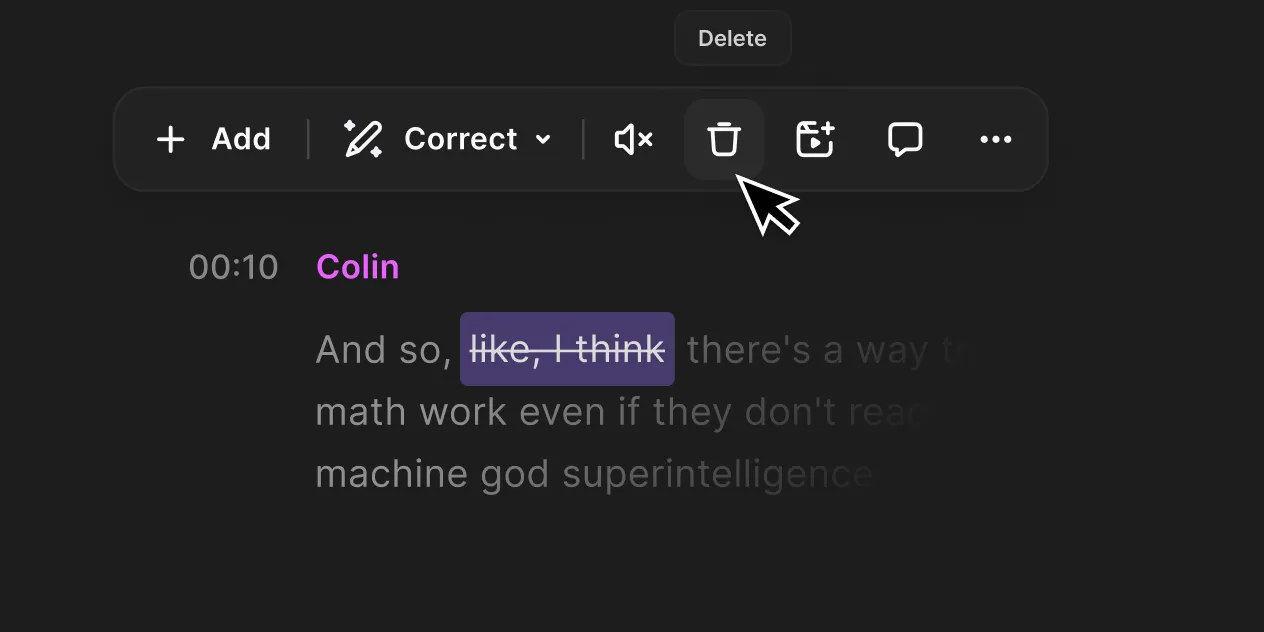
Riverside
Investigate for guest capture and an integrated recording-to-editing workflow.
Free option; Pro $29/month or $288 annually in official explainer
Free multi-track trial allowance and watermark limit evaluation. Confirm current checkout; no recording reliability tests performed.
Ordinary provider link. No affiliate partnership claimed. Link disclosure
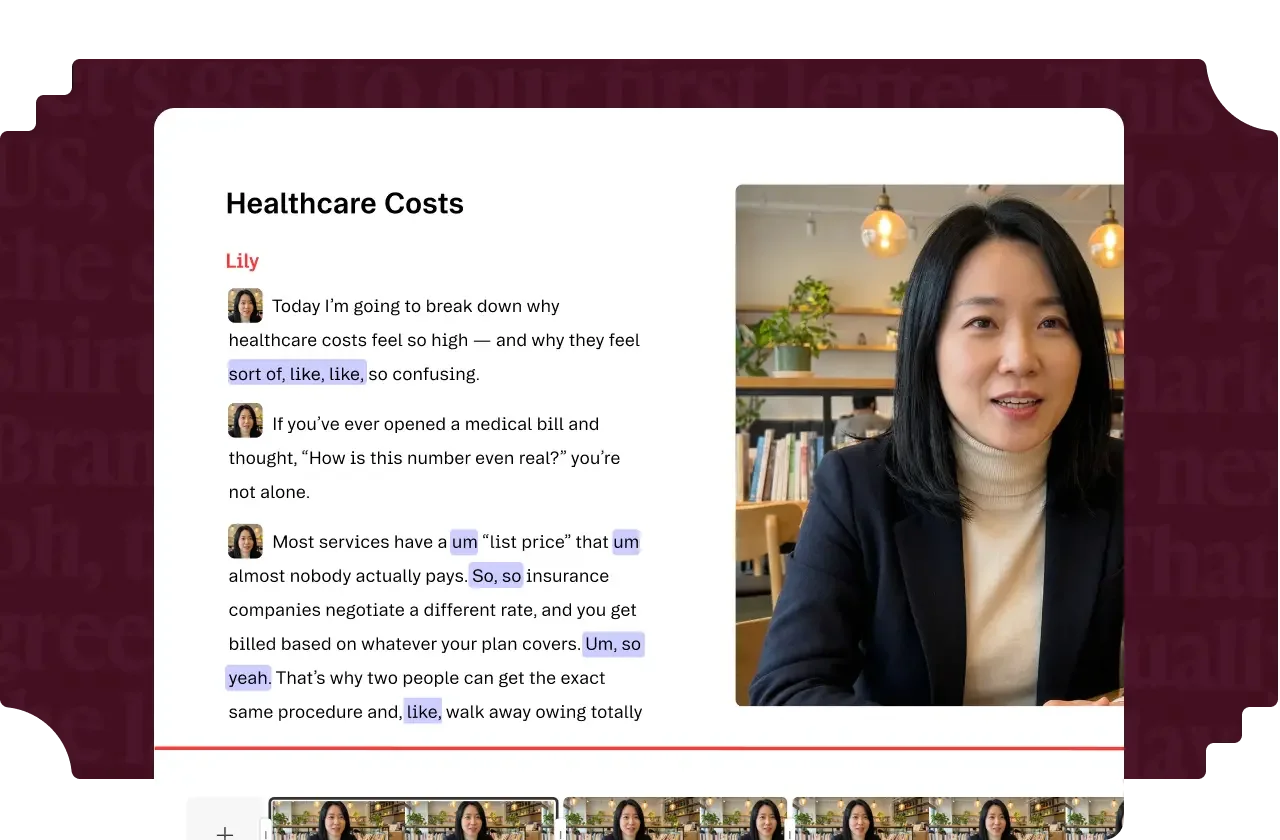
Descript
Investigate for transcript-led editing and turning existing recordings into finished videos.
Free option; Hobbyist $24/month or $192 annually per person
Media and AI allowances differ. Check the required export and project handoff before paying.
Ordinary provider link. No affiliate partnership claimed. Link disclosure
Sources & verification
Product details and prices can change. Check the linked provider before buying.
- Descript: export subtitles Accessed 2026-09-14
Sources link directly to providers. Product buttons may use separately labeled affiliate links. Read our disclosure.