For creators recording interviews, podcasts, and videos

Choose your video tools. Compare Riverside and Descript.

Work out whether you need recording, editing, or both. Compare the documented limits and complete workflow cost, then use a session checklist before paying for a plan.

Watch official walkthroughs

Choose the question you need answered

What do you need to decide?

5 guides in the library

Numbered shortlist / Cost-first research

Ranked picks

See all ranked picks

Ranking method: within each stated job, options are ordered by the lowest documented upfront plan price that supports it. Equal prices share a rank; tied names appear alphabetically. This is a cost-first research order, not a tested quality or performance ranking. Plan limits, future bills, taxes and extras still matter.

Edit existing media

Ranked by qualifying upfront cost · 2 options
  1. 01TIED

    Best for: Edit existing media

    Descript

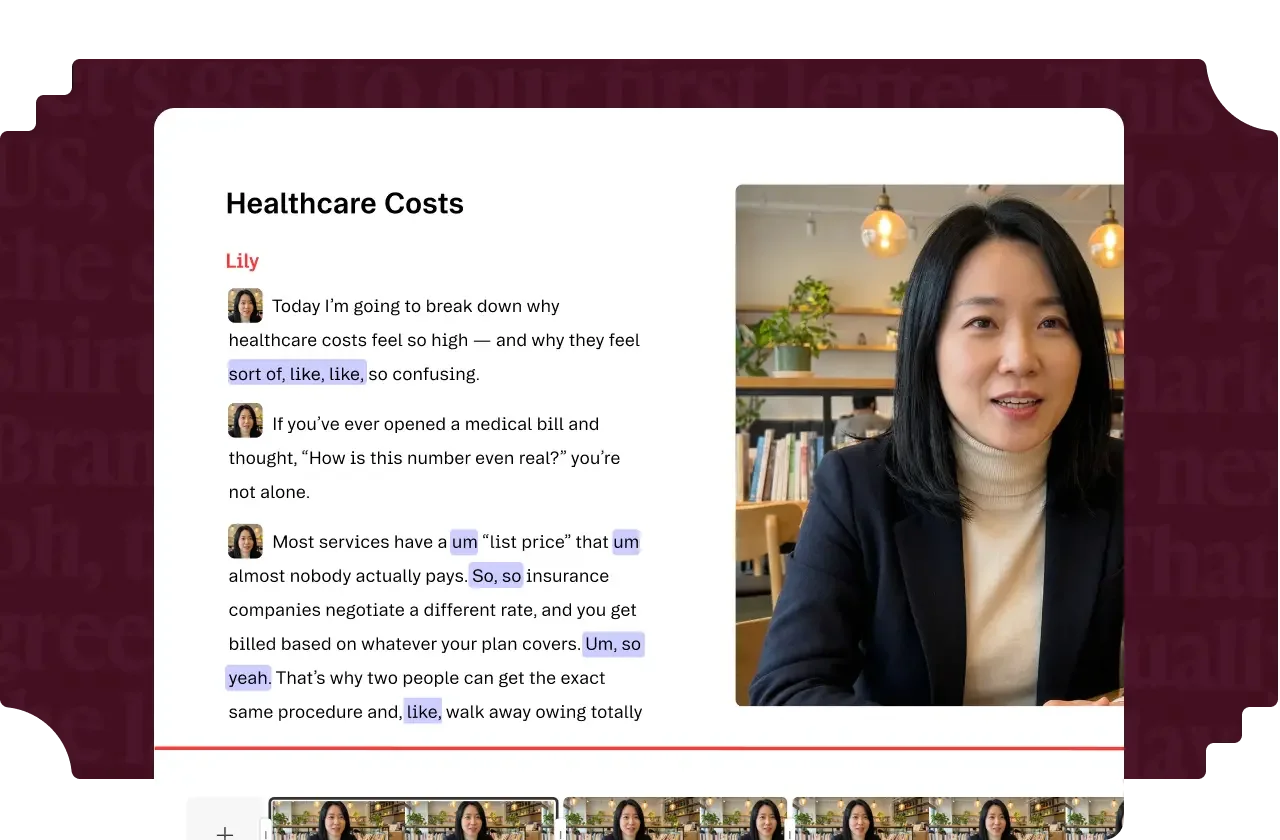
    Descript video editing preview with transcript and timeline
    Descript transcript and video timeline. Official vendor example. · Image source

    Free limited editing is the lowest documented upfront-price option from Descript included for this job. Verify its limits before choosing it.

    Tradeoff: Media hours and AI credits are distinct allowances.

    $0.00per month

    Free limited editing

    View Descript plans

    Ordinary provider link. No affiliate partnership claimed. Link disclosure

    Checked 2026-09-13 · Plan source

  2. 01TIED

    Best for: Edit existing media

    Riverside

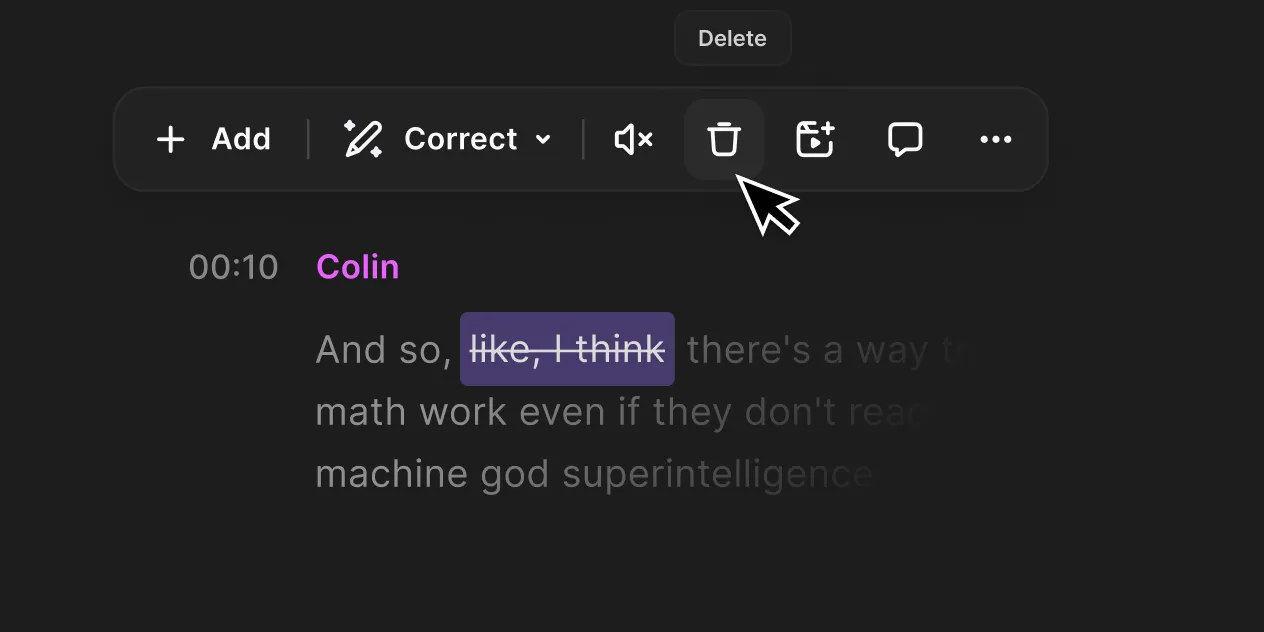
    Riverside transcript editing controls with selected words marked for removal
    Riverside transcript editing. Official vendor interface preview. · Image source

    Free limited trial recording/editing is the lowest documented upfront-price option from Riverside included for this job. Verify its limits before choosing it.

    Tradeoff: Free multi-track allowance is limited.

    $0.00per month

    Free limited trial recording/editing

    View Riverside plans

    Ordinary provider link. No affiliate partnership claimed. Link disclosure

    Checked 2026-09-13 · Plan source

Choose your tools

WHAT'S IN YOUR KIT?

Compare plans ↗
Riverside transcript editing controls with selected words marked for removal
Riverside transcript editing. Official vendor interface preview. · Image source
Video productionChecked 2026-09-13

Riverside

Investigate for guest capture and an integrated recording-to-editing workflow.

Free option; Pro $29/month or $288 annually in official explainer

Free multi-track trial allowance and watermark limit evaluation. Confirm current checkout; no recording reliability tests performed.

Ordinary provider link. No affiliate partnership claimed. Link disclosure
Descript video editing preview with transcript and timeline
Descript transcript and video timeline. Official vendor example. · Image source
Video productionChecked 2026-09-13

Descript

Investigate for transcript-led editing and turning existing recordings into finished videos.

Free option; Hobbyist $24/month or $192 annually per person

Media and AI allowances differ. Check the required export and project handoff before paying.

Ordinary provider link. No affiliate partnership claimed. Link disclosure
Watch demos / Official walkthroughs

See how the tools work.

Videos load from YouTube only when you press play. These are provider videos, not our own product tests.

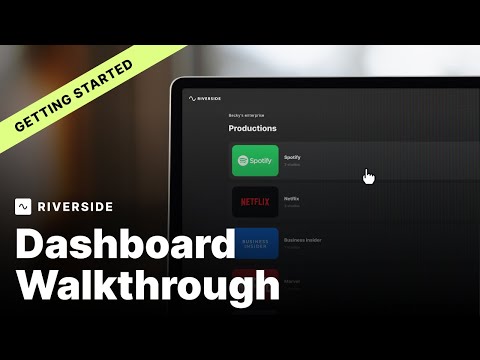
Riverside / Official video

Riverside Dashboard Walkthrough | Getting Started with Riverside

What to look for: Find the recording setup and dashboard controls needed before inviting a guest.

Watch on YouTube

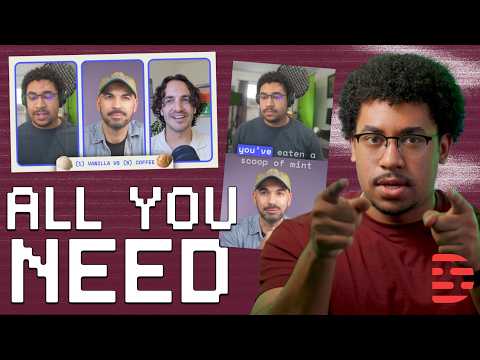
Descript / Official video

How to Edit a Podcast From Start to Finish

What to look for: Follow the editing sequence and review steps from an existing recording to a finished podcast.

Watch on YouTube